Projects,
not programs.
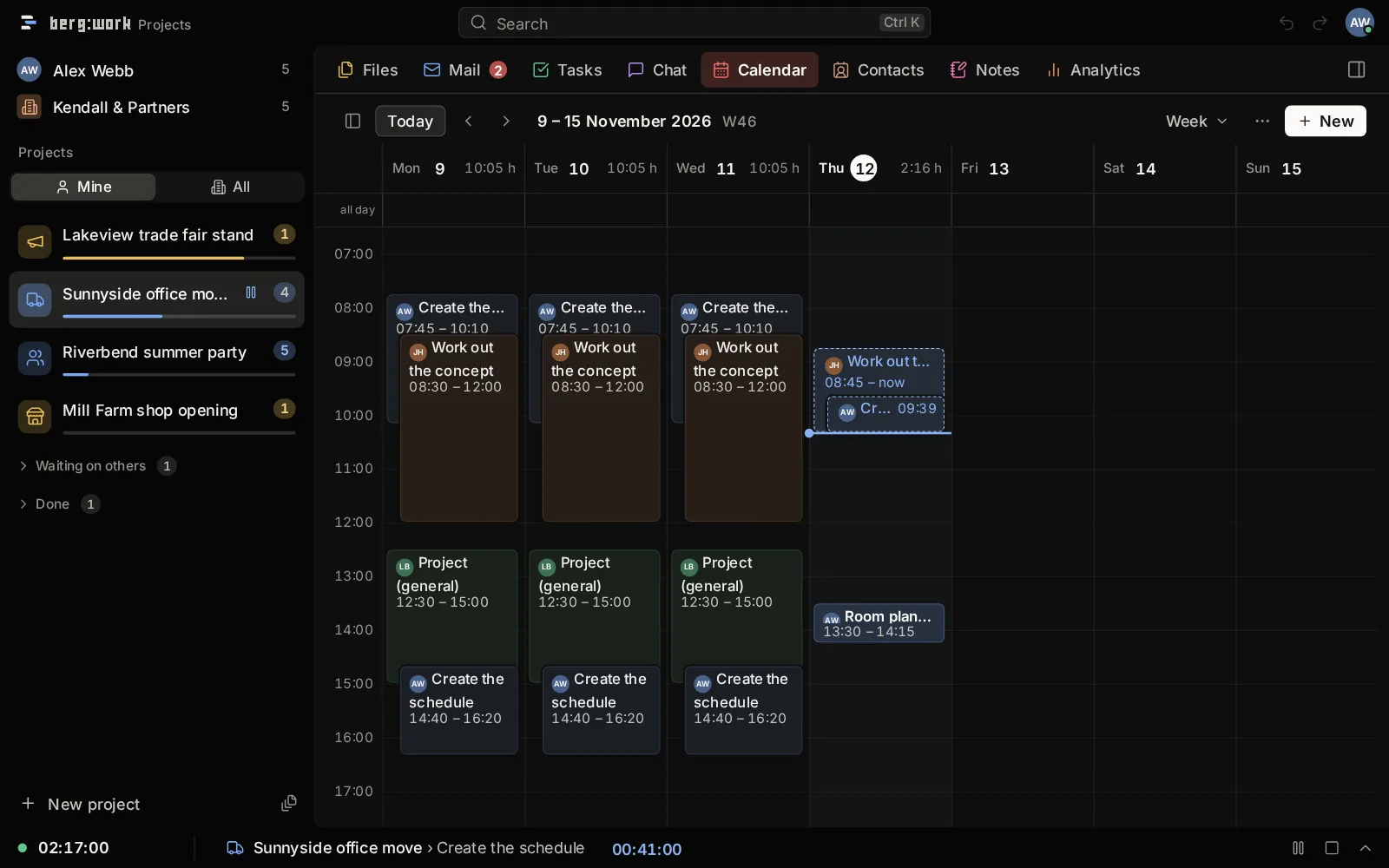
Office work is sorted by program. A job needs all of them. Pick a project, and mail, files, tasks, chat and calendar show only what belongs to it.
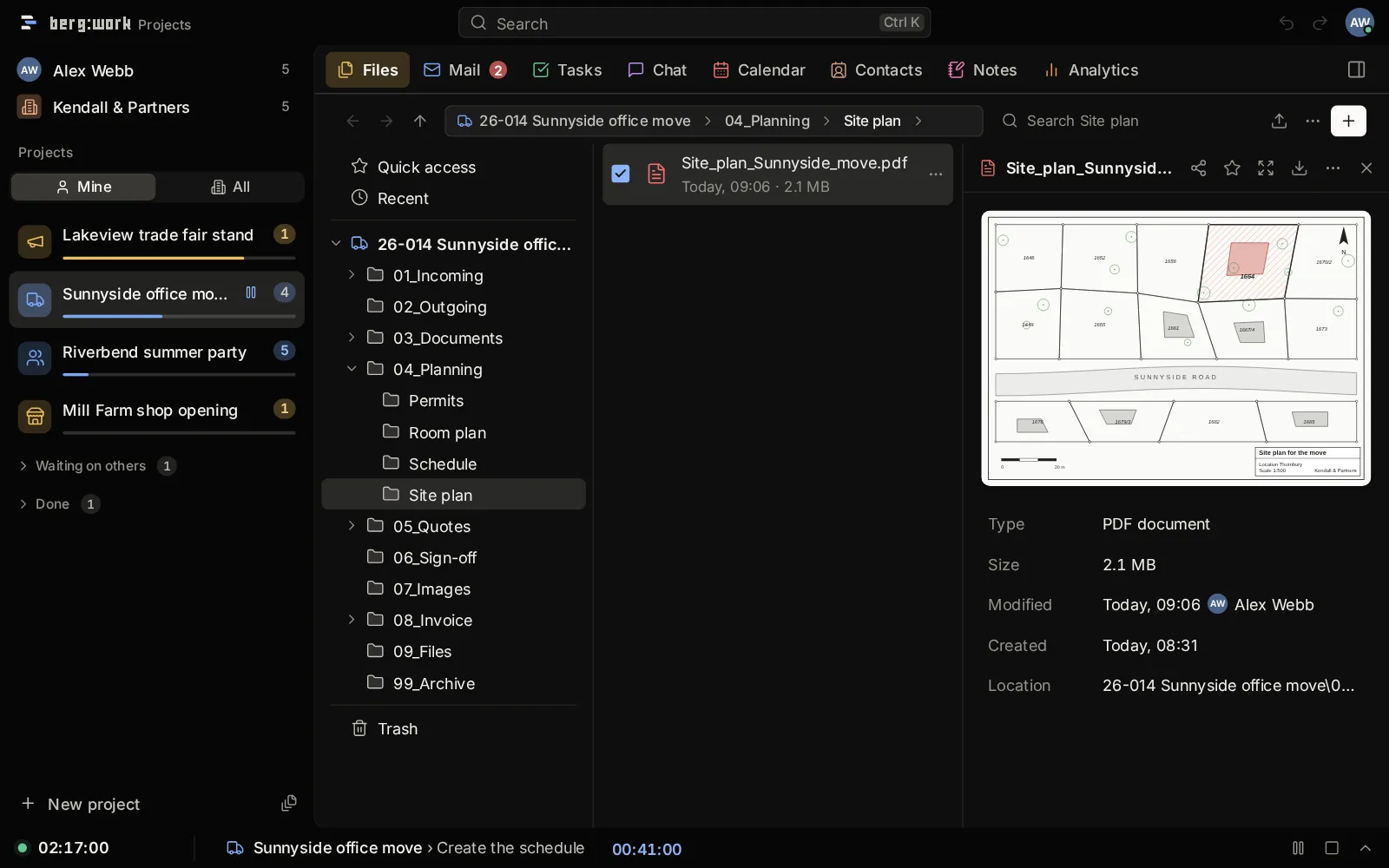
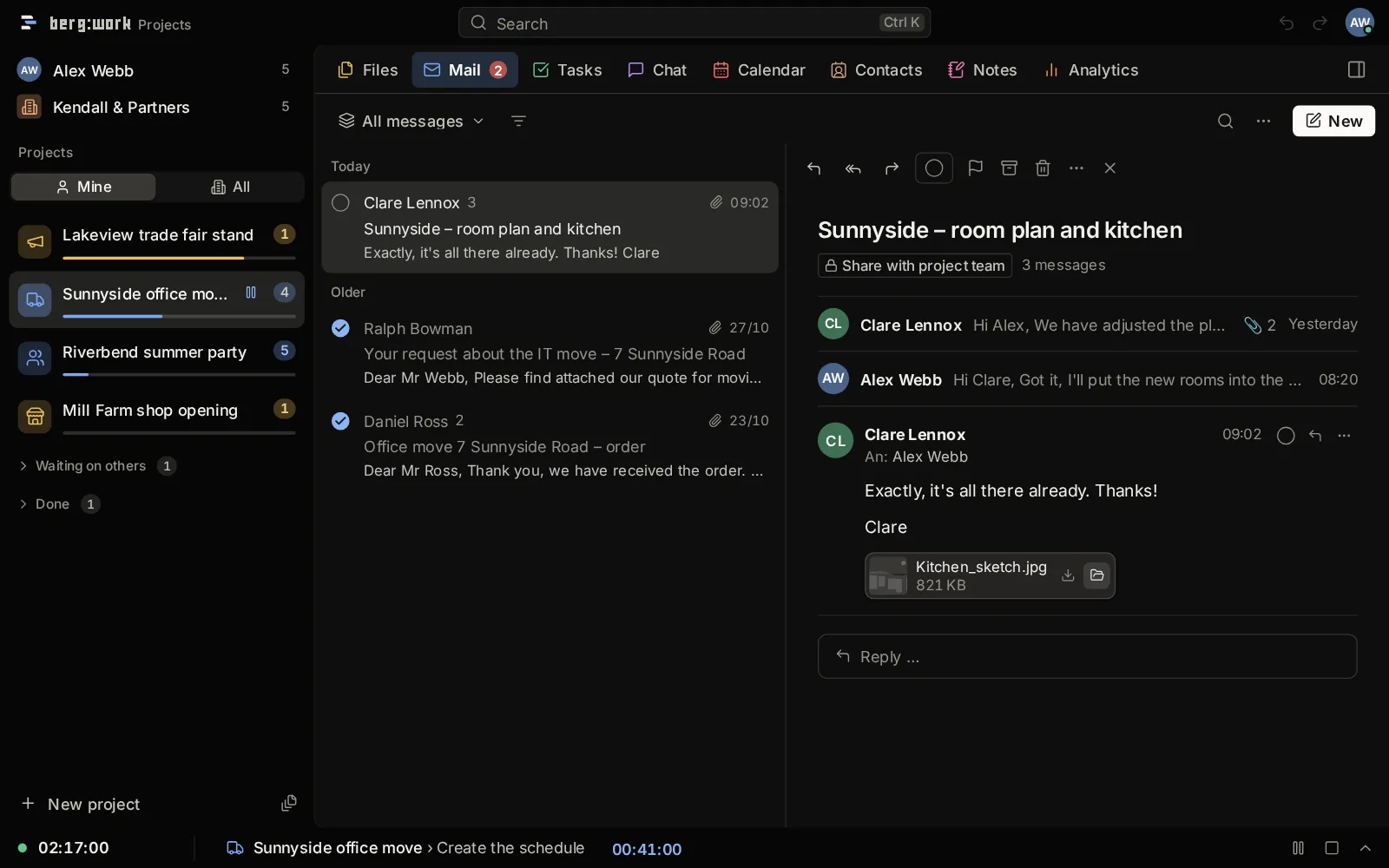
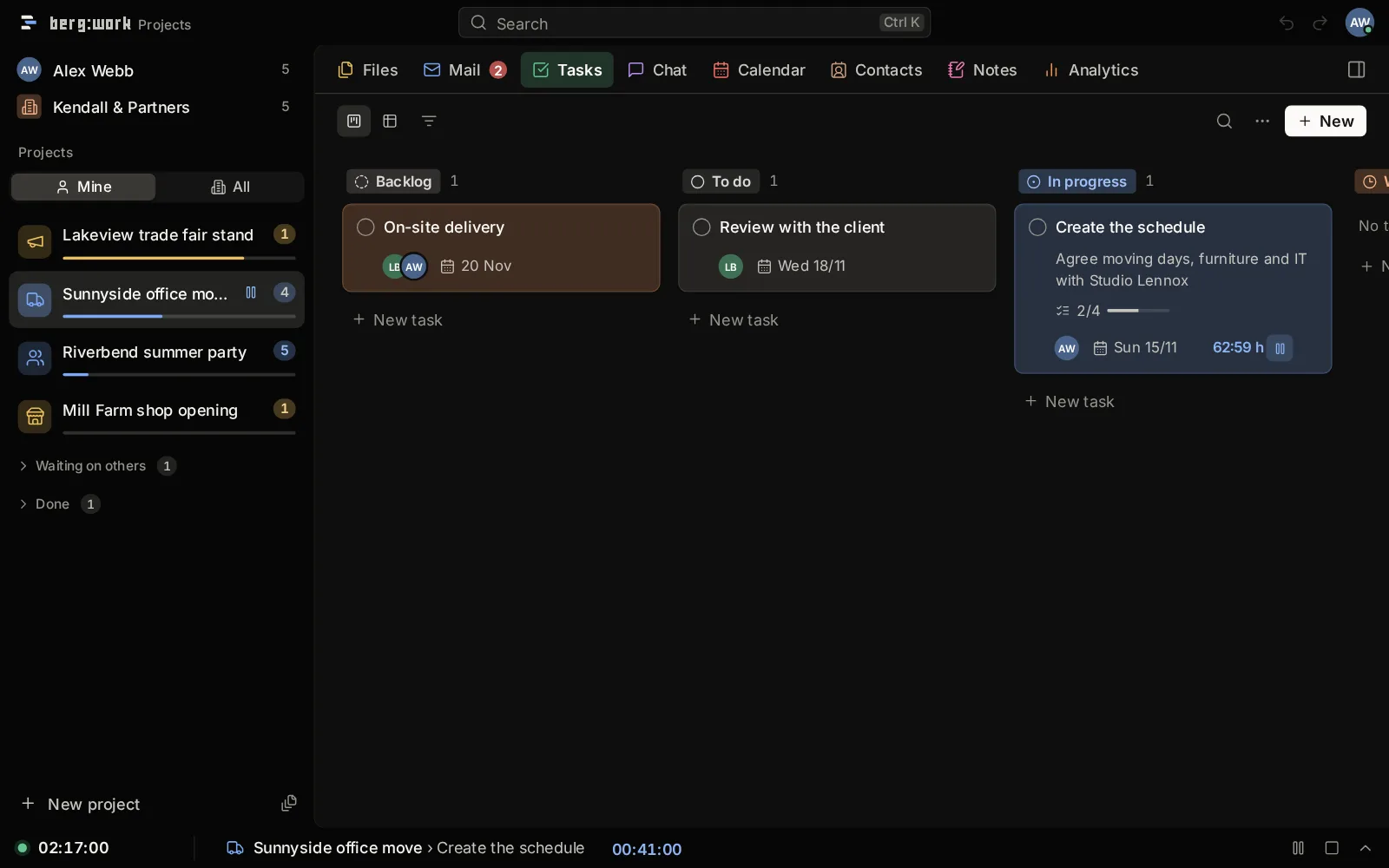
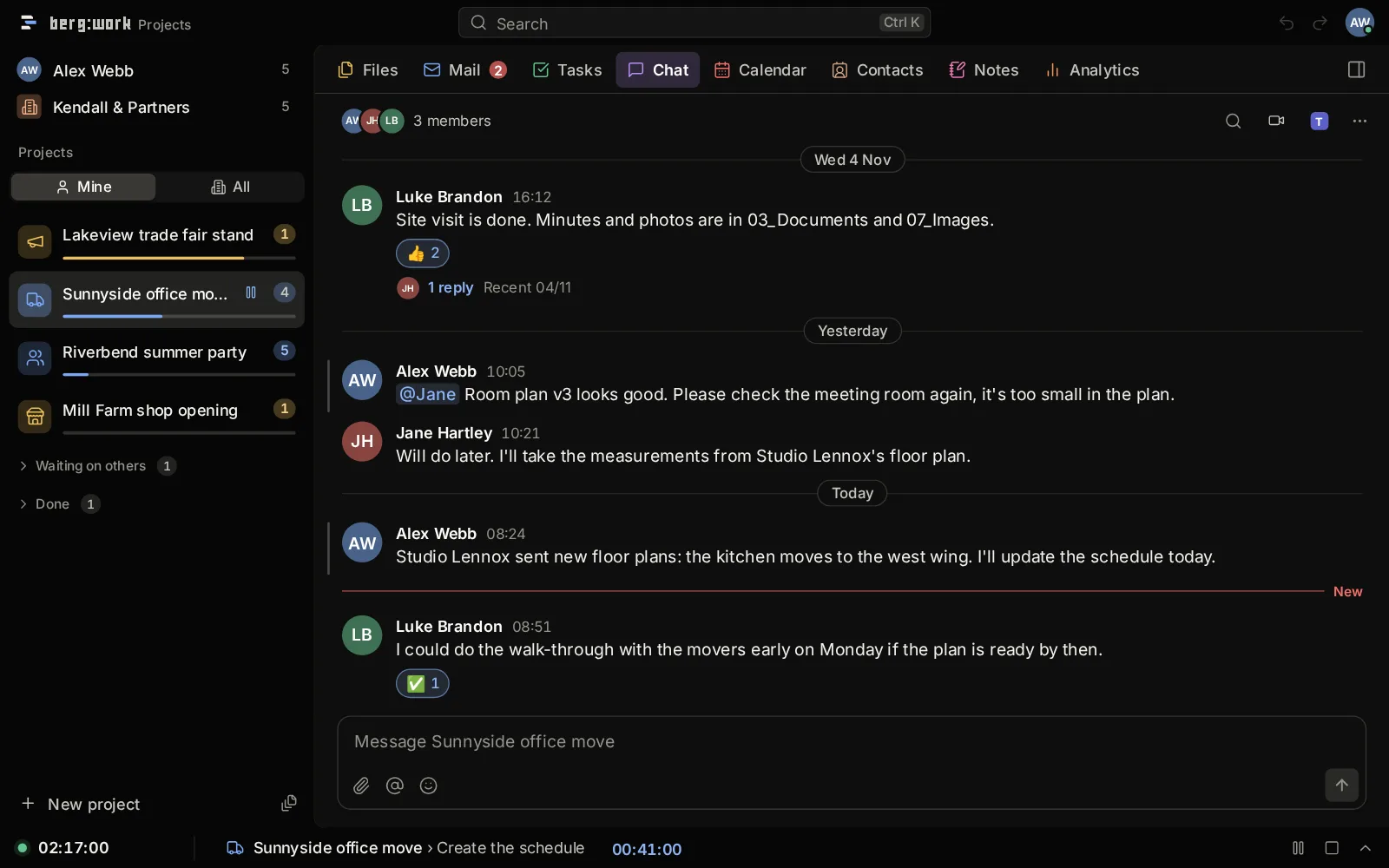
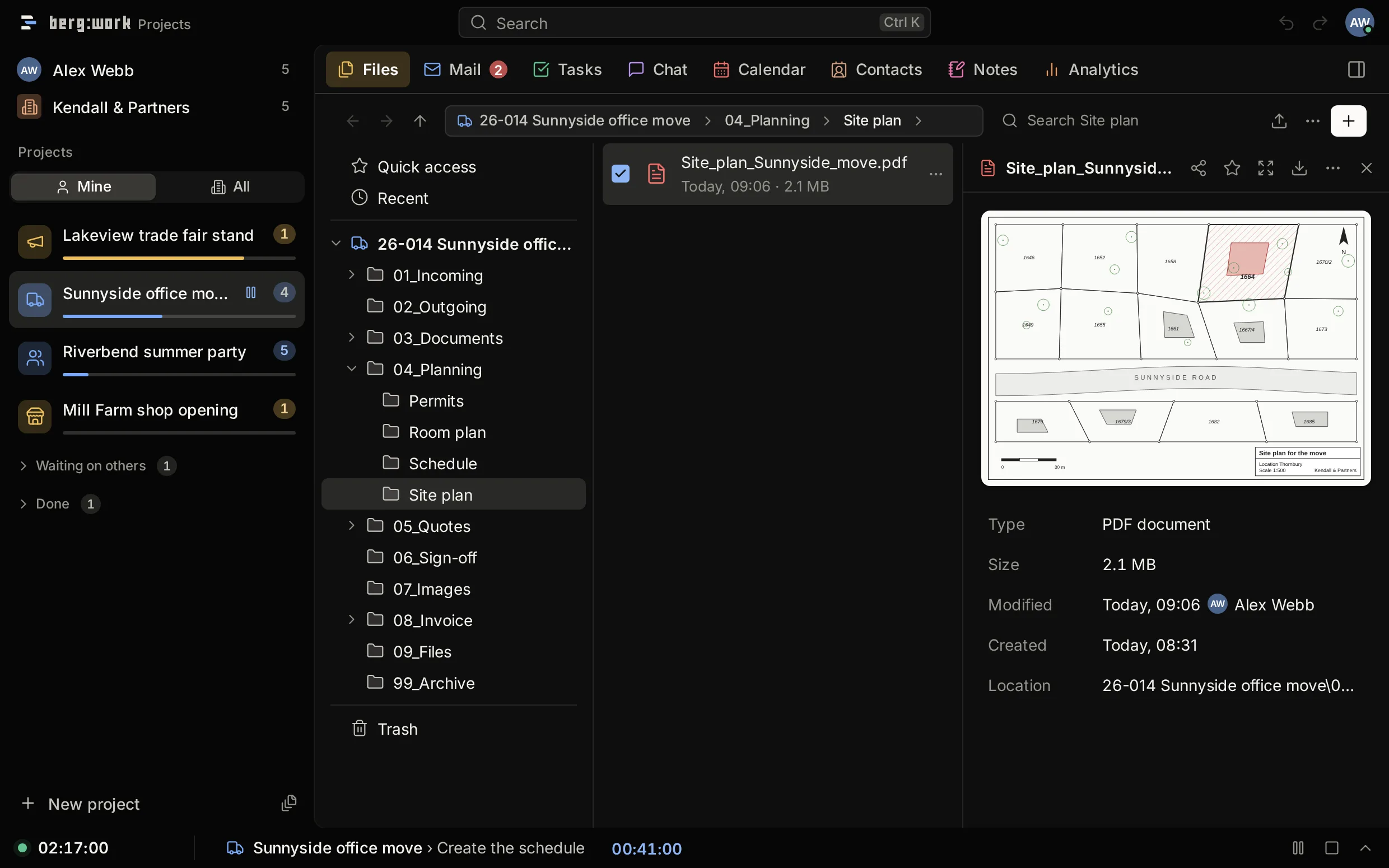
Files
Mail
Tasks
Chat
Calendar
These tabs work. Click one.
Sunnyside office movesample project
ProjectsTest version 0.1.21
Try it
right here.
This is the app itself, running in your browser with sample data. Pick a project on the left, and every tab shows only what belongs to it.
Click to use the app
Nothing
moves out.
Projects is a view. It reads from Microsoft 365 and writes back there, so everyone who isn’t using berg:work keeps working as before.
Filesthe project folder in SharePoint or OneDrive
Mailsorted into projects, still in Outlook
Tasksone board per project, as Planner tasks
Chatthe project channel in Teams
PDFIn your browser
Move
anything.
Every line of text, every picture and every drawing is an object you can grab. Retype a word in the document’s own font, then save a normal PDF.
PagesAppend, reorder, delete and rotate.
RedactionThe characters are deleted from the file, not hidden under a black box.
SignaturesDraw, type or insert yours, or sign with a certificate.
Text recognitionTwo to four seconds per scanned page, in your browser.
ImageIn your browser
Layers that
stay loose.
Take a product out of its background on your own computer, drop it into a new scene and put text over it. Nothing is final until you export.
27blend modesEvery mode on the plan is built.
16bits per channelTagged PNG, JPEG and TIFF come in with their colour profile.
5export formatsPNG, JPEG, WebP, AVIF and TIFF, at 1×, 2× and 3×.
0uploadsBackground removal runs on your computer. The project format is open and documented.
PrivacyAll three tools
Your files stay yours.
No berg:work cloud
Projects shows your mail, files, chats and tasks from Microsoft 365 and leaves them there.Nothing is uploaded
The PDF and image editors read your file in the browser and save it back to your disk.No tracking
No analytics, no cookies, no third-party scripts – on this site, in the editors and in the app.AI on your machine
Background removal and subject selection run on your computer.Where berg:work Projects connects
login.microsoftonline.comSign-ingraph.microsoft.comYour mail, files, tasks and chatsSharePoint · OneDriveThe project foldersupdates.bergwork.appThe update check – nothing else
1address of berg:work: the update check
0analytics, crash reports or ads
Besides Microsoft, the app only asks updates.bergwork.app for new versions.